PDF Creation Tools
There are many text editors and specialized documentation tools that allow a user to write content and save the document into the PDF file format.
Some applications allowing you to create a PDF document are simple converters that use a document in another format (for example, in MS Word) to make a PDF file from it.
Unlike a full-featured PDF tool, such a conversion utility may have NO support for some specific PDF format features such as hyperlinks, bookmarks, font embedding, compression, and encryption, which can be important in some cases.
Overview of PDF tools
Below is an overview of various documentation tools that allow you to create a PDF file either from a topic-based source project as shown in our instruction, or by using the print feature in a third party application.
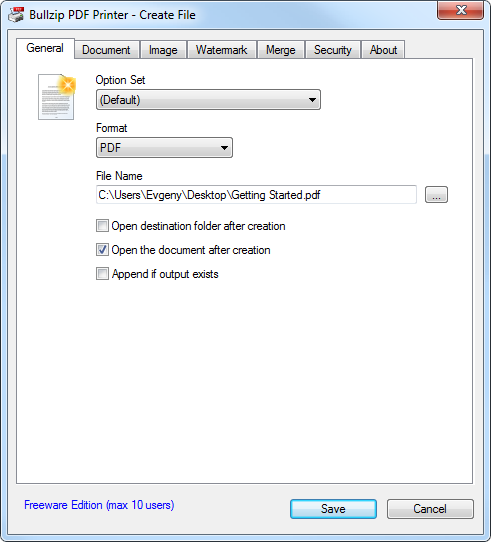
Bullzip PDF Printer
A PDF creation utility that installs a virtual printer which adds a possibility to print out a document from any other application (for example, from Microsoft Word) and get a PDF file in the result. The main disadvantage of this utility is that it simply convert the original document into the PDF format and does not support some basic PDF features such as creation of the hierarchical Table of Contents, different types of hyperlinks such as internal links, links to an anchor within the same document, etc.

HelpSmith
A document and PDF creation tool that you can use to create a PDF document from a topic-based source project. This documentation software combines a word processor and other tools making it possible to create the structure of the PDF document, write content directly in the built-in word processor, insert images and use different types of hyperlinks. The application also supports PDF font embedding, compression, and password protection options.
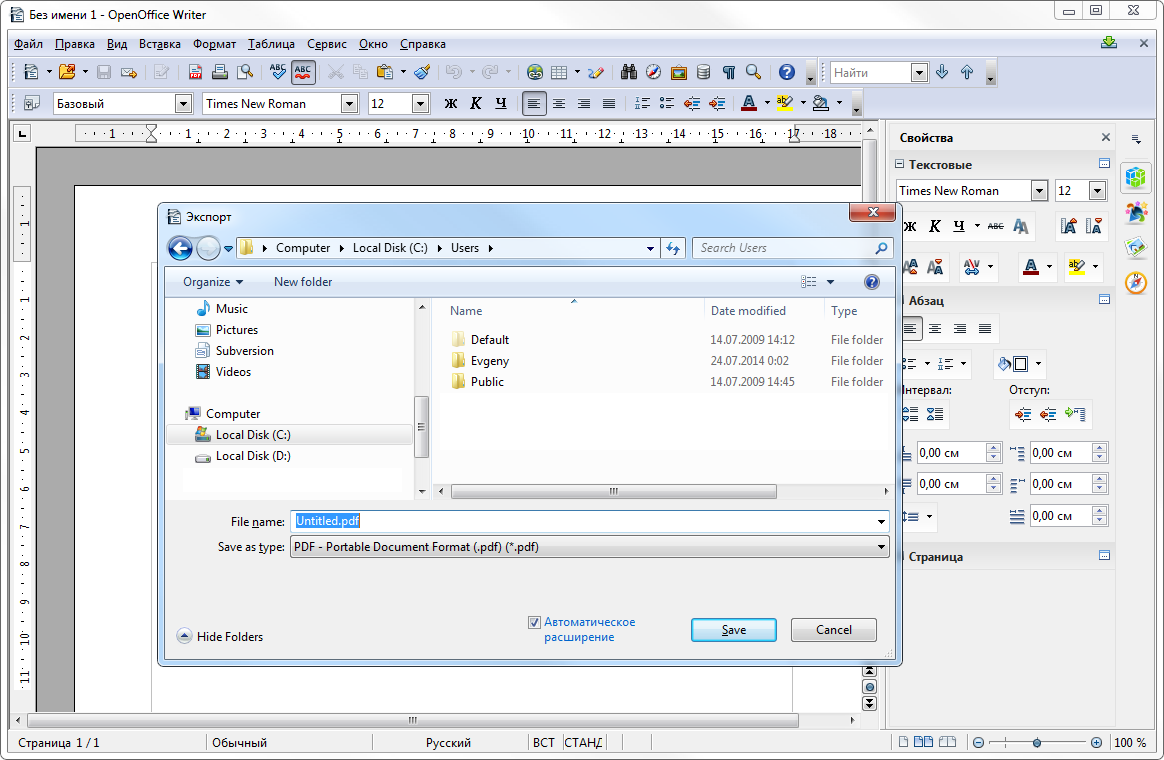
Open Office Writer
You can create a text document and export it into PDF using the freely available OpenOffice Writer application from the OpenOffice package. However, it should be pointed out that exporting a document into a non-native format often does not allow you to control all the aspects and use some PDF-related features. For example, you will not be able to edit the hierarchical structure of your PDF document, setup font embedding parameters, or choose an encryption method. Though, password protection is supported and available in PDF export options in this application.
2 Comments